

Plan
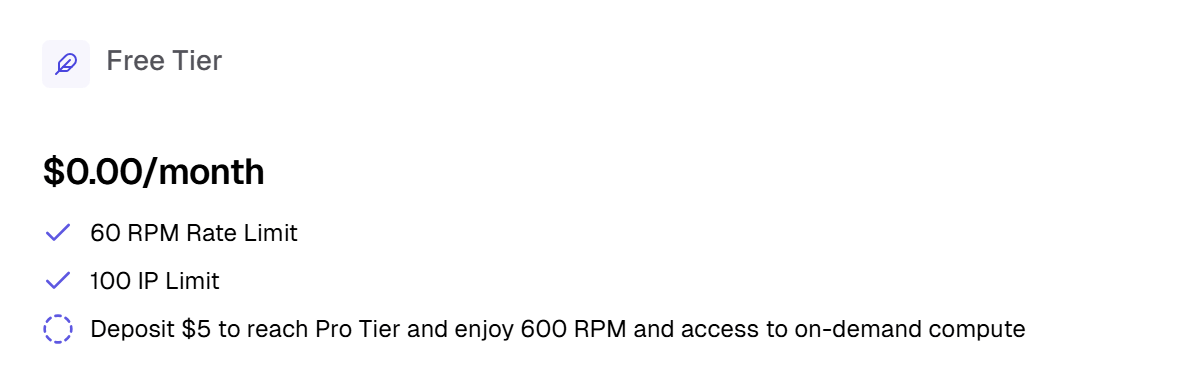
This is where you view and manage your plan. Your plan determines your level of access to the platform and your API rate limits. There is never a monthly commitment to maintaining a plan. For all plans, you purchase “compute credits” which sit as a balance on your account. You use your compute credit balance for services on the platform, e.g. launching GPU instances and storage volumes, and creating storage volumes.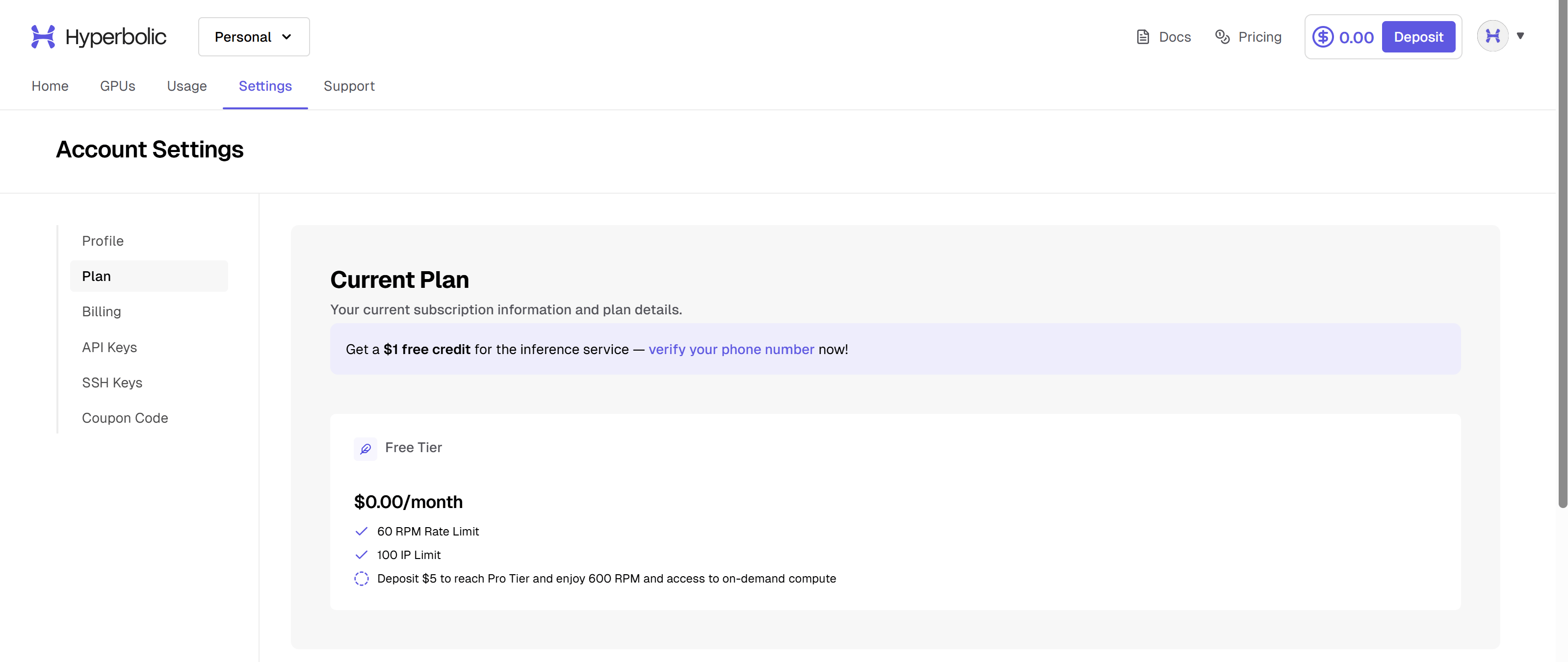


Billing
This is where you view and edit your billing details.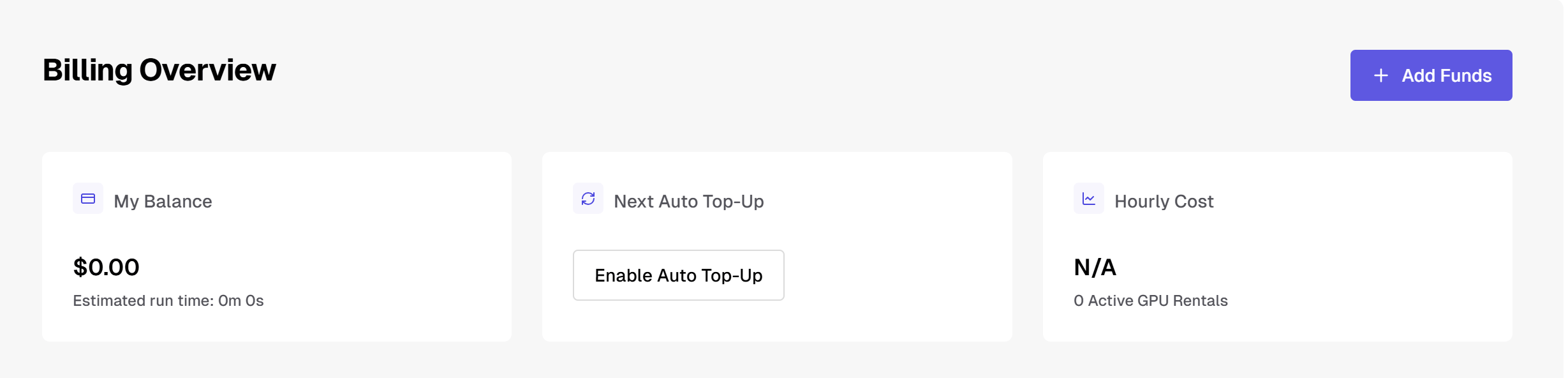
API Keys
This is where you create and manage your API Keys.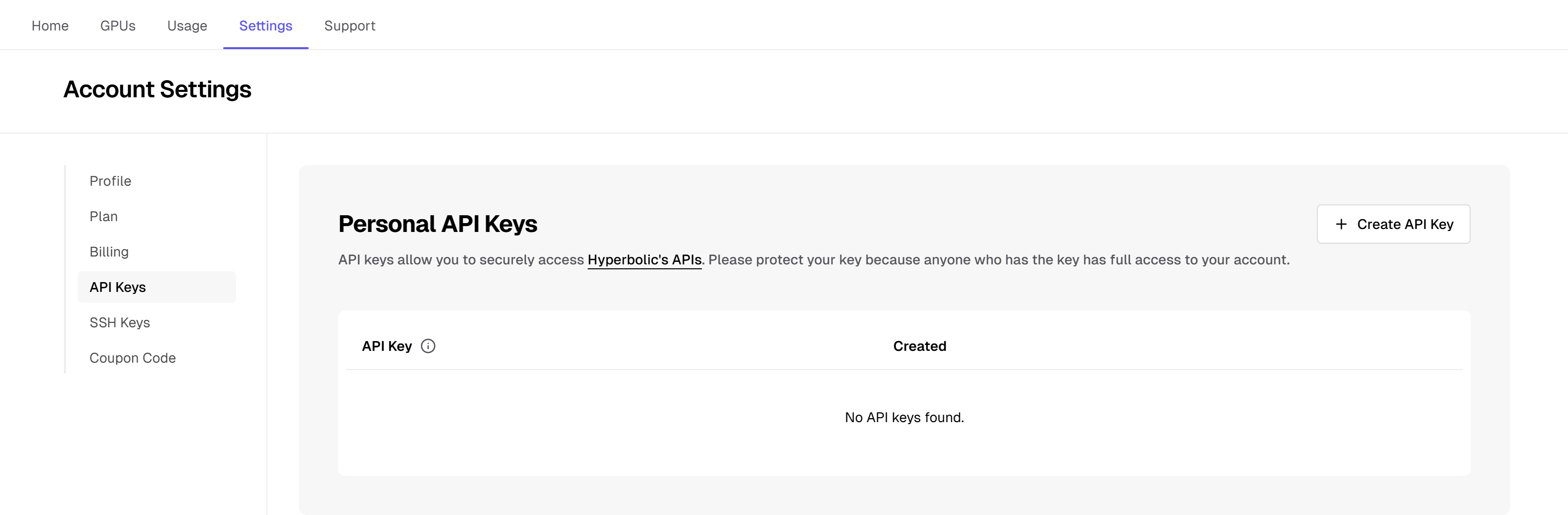
sk_live_. Keys issued in an older format are rejected with the code legacy_key_unsupported, so create a new key if yours doesn’t start with sk_live_. See the Inference quick start.
Rental Operator uses your API key from a Kubernetes Secret. See the Rental Operator quick start.
SSH Keys
Manage your SSH public keys under Settings > SSH Keys in the dashboard. An SSH key is required to provision GPU instances. You can save multiple SSH keys to your account. For each key, you can:- Add a key by pasting it or dragging and dropping your
.pubfile. Hyperbolic pre-fills the name from the key’s comment, and you can change it to something you’ll recognize. - Rename a key at any time.
- Copy a key’s public key text.
- Delete a key that isn’t attached to a live instance.
Choose a key when you launch
When you rent an instance, you select one of your saved keys in the Who can SSH into this instance? step. You can also paste a new key there, and Hyperbolic saves it to your account. If you have only one saved key, it’s selected automatically. The instance is provisioned with the selected key, so keep the matching private key on your machine or you may lose access to the instance.Attach multiple keys to an instance
Some regions let you attach more than one SSH key to an instance, so several people can connect with their own keys. After you select a key, an Add another key button appears below it when the region you chose supports multiple keys. Click it to pick another saved key or paste a new one. Click Remove to detach a key before you launch. If you don’t see Add another key, that region accepts one key per instance. If you switch from a multi-key region to a single-key region, Hyperbolic keeps only the first key you selected. An API request that attaches more than one key in a single-key region returns theMULTIPLE_SSH_PUBLIC_KEYS_NOT_SUPPORTED_FOR_REGION error.
If a rental request through the API doesn’t specify a key, Hyperbolic attaches your newest saved key. Under an Organization, Hyperbolic uses the Organization’s newest key. To choose keys yourself, pass their IDs (from GET /v2/ssh-keys) in the sshPublicKeyIds array when you create a rental.
Change keys on a running instance
You can add or remove SSH keys on a running instance without relaunching it. Use this to replace a lost key, fix a launch with the wrong key, or give a teammate access. Changes reach every node in about 20 seconds, and the instance doesn’t reboot. Open the instance’s details page and find the SSH Access section, which lists the keys attached to the instance.- Add a saved key: click Add key, then select a saved key that isn’t attached yet.
- Add a new key: click Add key, then paste a new public key. Hyperbolic saves the key to your account and attaches it to the instance.
- Remove a key: click Remove next to the key.
POST /v2/on-demand/rentals/ssh-keys/attach or POST /v2/on-demand/rentals/ssh-keys/detach with the rental ID and SSH key ID:
CANNOT_DETACH_LAST_RENTAL_SSH_KEY. A rental that can’t change keys returns RENTAL_SSH_KEY_UPDATE_NOT_SUPPORTED. If a change fails with FAILED_TO_UPDATE_RENTAL_SSH_KEYS, you can safely retry it.
Keys in use
The key list shows how many live instances use each key. You can’t delete a key while it’s attached to a live instance. Terminate the instance first, then delete the key.Manage keys with the API
You can also manage SSH keys through the Hyperbolic API with these endpoints. See the API Reference for full request and response schemas.
For example, add a key with an optional name:
SSH_PUBLIC_KEY_ALREADY_EXISTS error. When your API key belongs to an Organization, these endpoints manage the Organization’s SSH keys instead of your personal keys.