> ## Documentation Index
> Fetch the complete documentation index at: https://docs.hyperbolic.ai/docs/llms.txt
> Use this file to discover all available pages before exploring further.
# Account Management
> Create and configure your Hyperbolic account, API keys, and SSH keys
## Plan
This is where you view and manage your plan. Your plan determines your level of access to the platform and your API rate limits. There is never a monthly commitment to maintaining a plan. For all plans, you purchase “compute credits” which sit as a balance on your account. You use your compute credit balance for services on the platform, e.g. making inference API calls, launching GPU instances, and creating storage volumes.
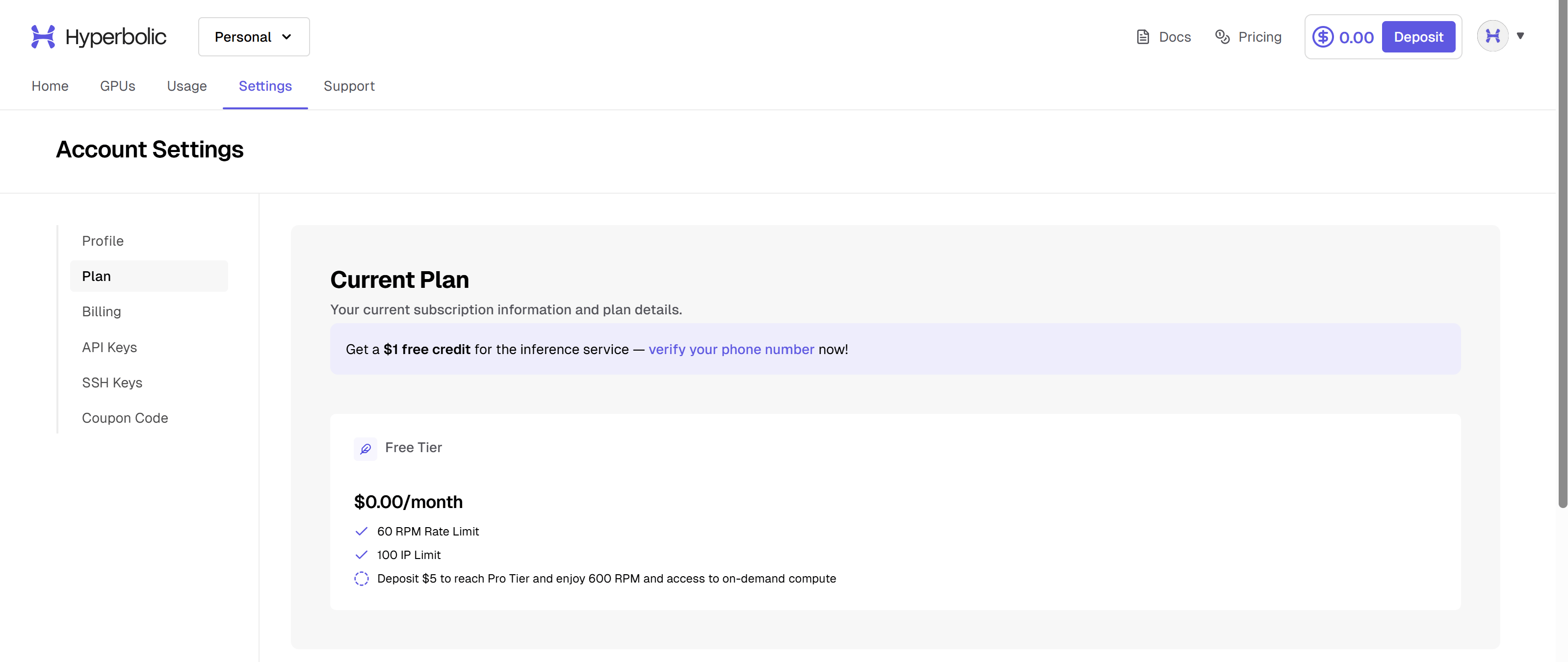 We offer three plan tiers: free, pro, and enterprise.
**Free tier:** The default plan for new accounts. There is no minimum spend amount required. You may not launch GPU instances nor storage volumes with a free-tier account. API rate limits are restrictive.
We offer three plan tiers: free, pro, and enterprise.
**Free tier:** The default plan for new accounts. There is no minimum spend amount required. You may not launch GPU instances nor storage volumes with a free-tier account. API rate limits are restrictive.
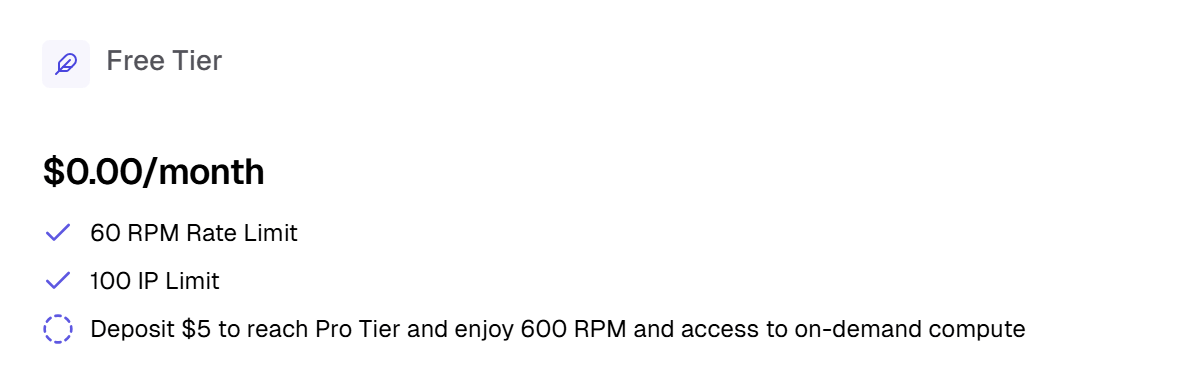 **Pro:** You must deposit at least \$5 one-time to automatically become a pro-tier user. You may access all features of the platform including GPU instances and storage volumes. Your API rate limits are much higher.
 **Enterprise:** For any custom plan, please reach out to us.
 ## Billing
This is where you view and edit your billing details.
## Billing
This is where you view and edit your billing details.
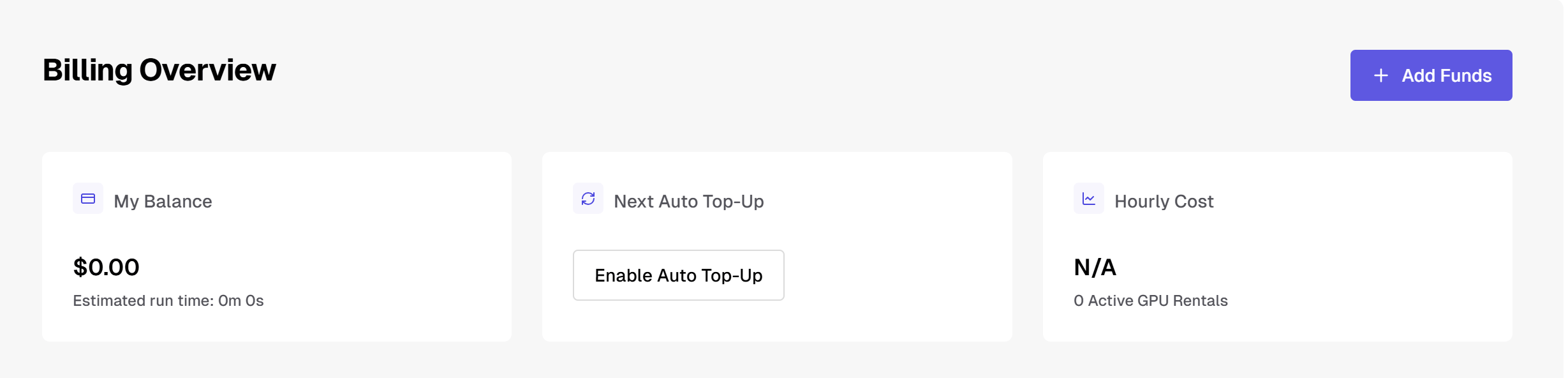 We do not keep your payment method on file unless you have chosen to store a card by enabling [Auto Top-Up](/docs/general/auto-top-up).
## API Keys
This is where you create and manage your API Keys.
We do not keep your payment method on file unless you have chosen to store a card by enabling [Auto Top-Up](/docs/general/auto-top-up).
## API Keys
This is where you create and manage your API Keys.
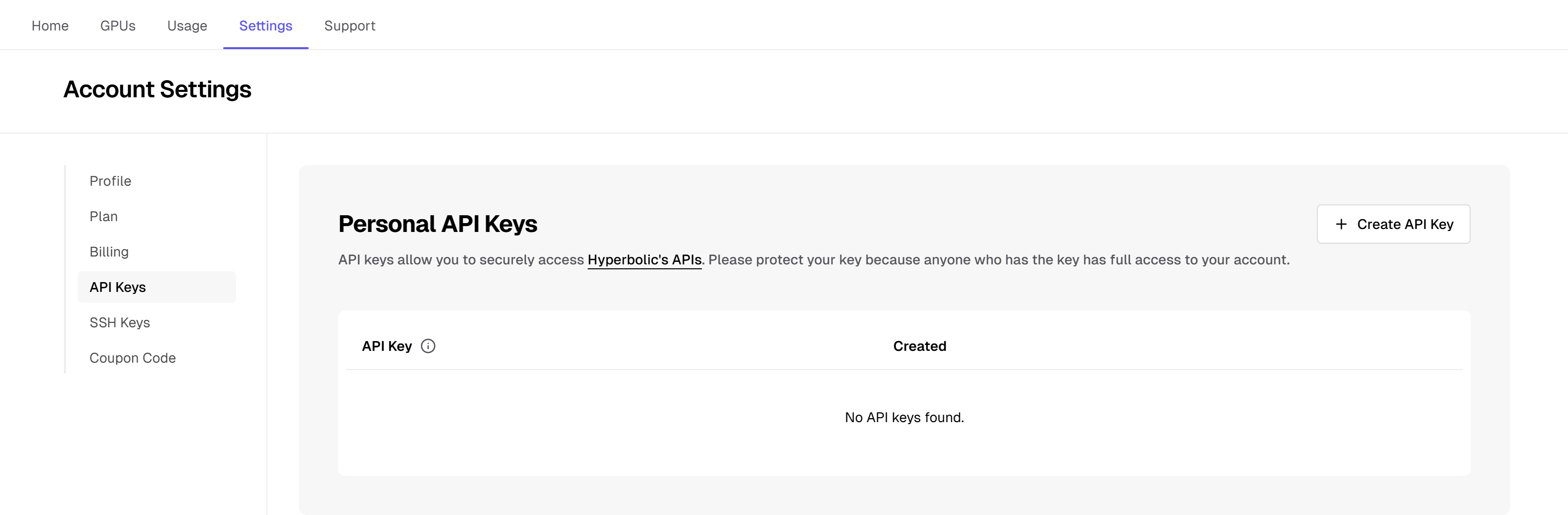 After creation, API keys cannot be viewed or recovered - make sure you copy and save your key immediately after creating it!
API keys may be revoked at any time. An account may have any number of API keys.
## SSH Keys
This is where you manage your SSH Key.
After creation, API keys cannot be viewed or recovered - make sure you copy and save your key immediately after creating it!
API keys may be revoked at any time. An account may have any number of API keys.
## SSH Keys
This is where you manage your SSH Key.
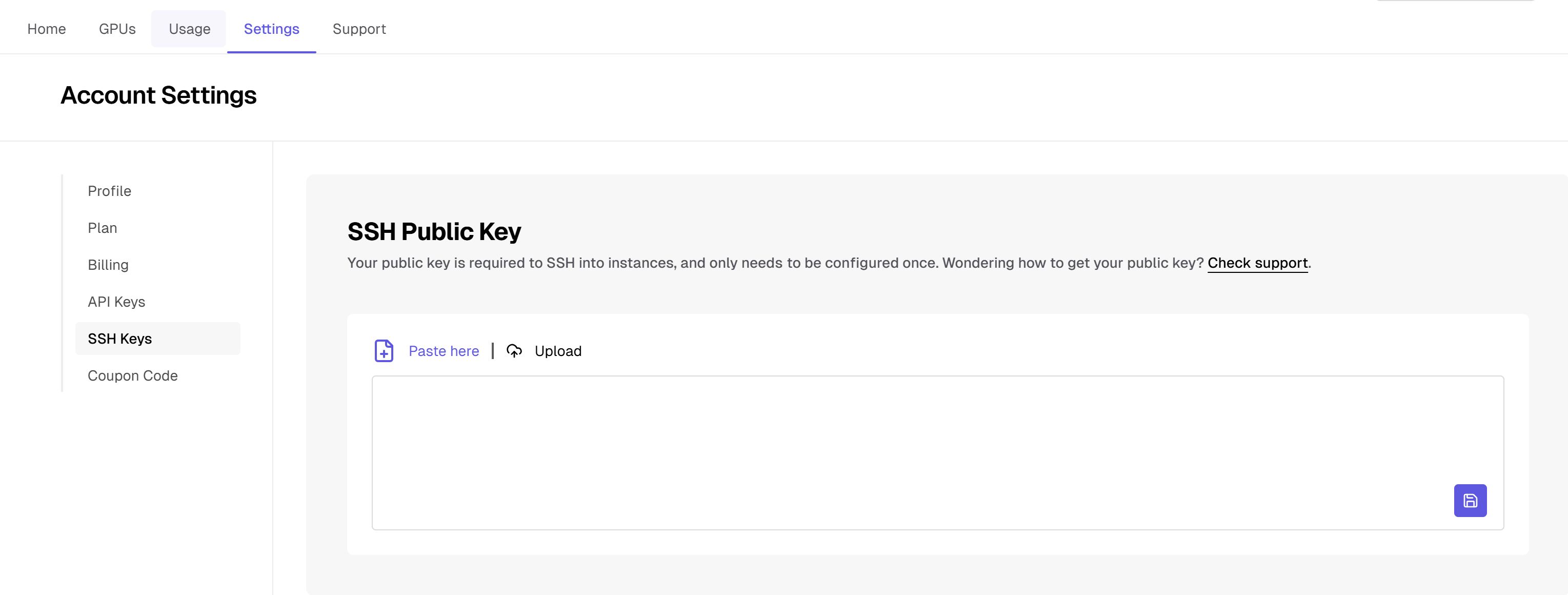 This is your SSH public key (eg, id\_rsa.pub), not your private key. Never upload a private key!
An SSH Key is required to provision GPU instances. At this time, an account may only have one active SSH key at a time. Instances are provisioned with the public key configured on the account at the time of instance creation. If you plan to change the public key on file, make sure that you retain the keypair on your machine or you may lose access to your instance.
You may view, copy, and reset your SSH Key at any time.
This is your SSH public key (eg, id\_rsa.pub), not your private key. Never upload a private key!
An SSH Key is required to provision GPU instances. At this time, an account may only have one active SSH key at a time. Instances are provisioned with the public key configured on the account at the time of instance creation. If you plan to change the public key on file, make sure that you retain the keypair on your machine or you may lose access to your instance.
You may view, copy, and reset your SSH Key at any time.